PDF asks for a password? Encryption, decryption and signatures explained
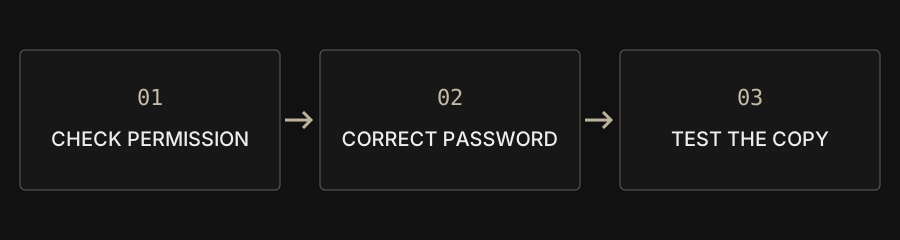
Use Decrypt PDF with the correct password and authorization to save an unprotected copy. Encrypt PDF sets an opening password. The site cannot recover forgotten passwords, and handwriting is not password protection.
| Goal | Tool | Remember |
|---|---|---|
| Require an opening password | Encrypt PDF | Store the password safely |
| Save an authorized unprotected copy | Decrypt PDF | No password cracking |
| Add visible handwriting | Sign PDF | Not a certificate signature |
Is an opening password the same as a print restriction?
No. Some PDFs ask for a password before displaying any page; others open but restrict printing or changes. Supported operations depend on the protection method. Being able to read a page does not automatically mean you are authorized to modify it. Confirm the purpose with the document provider and keep the original.
How do I save an unprotected copy when I know the password?
Add the file to Decrypt PDF and enter the opening or supported owner password. A permission-only document that needs no opening password can be tried with an empty field. Download and reopen the copy to verify its state. Certificate-based or unsupported encryption may require another authorized workflow recommended by the provider.
Can the site crack or recover a forgotten password?
No. There is no brute-force, password-cracking or recovery feature. Changing formats or refreshing the page does not generate a valid password. Contact the source, check your own securely stored records or obtain an authorized replacement. Do not post confidential documents and password guesses together in a public support channel.
How do I protect a PDF I want to share?
Use Encrypt PDF and confirm the opening password. The tool uses AES-256 and clears password fields after a successful export. Choose a strong, unique password and store it securely. Reopen the saved result in a reader: a wrong password should fail and the right one should work. The website does not retain or recover your password.
Does a handwritten signature protect the document?
Handwriting adds a visible image. It does not verify identity or create a certificate-based digital signature. Encryption requires an opening password; a watermark is a visual marker. Cropping and covering text are not secure redaction. Use an appropriate signing service when the recipient requires certificate verification or timestamps.
What should I do before sending it?
Confirm the recipient accepts password-protected PDFs. Consider separate channels for the document and password. An unprotected copy is easier to open, so check its download location and cloud-folder settings. Browser-local processing does not remove risks from shared devices, malicious extensions or later sharing.